Setup guide

Same login on every device. The taps change. Pick yours, and message us if the screen in your hand does not match the steps.

Installation tutorial

Pick the device. The screenshots are the taps.

Same login on every player: username, password, server URL. The guides start closed. Open the one that matches the device in your hand, then follow the picture and the line under it.

Fire TV Stick
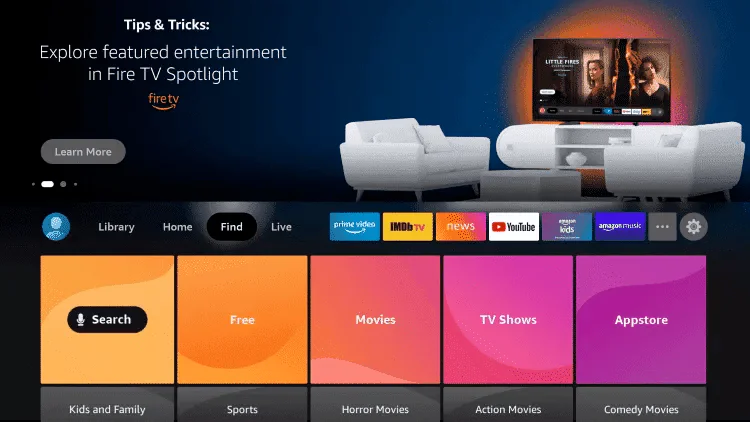
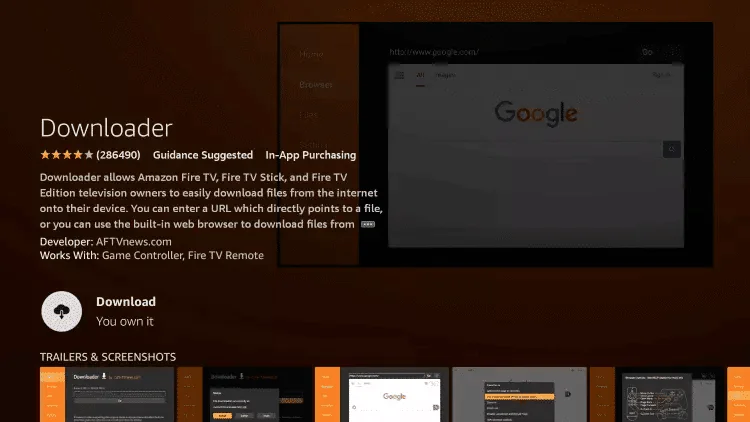
Fire TV search results for Downloader
1. From Home, open Find, search Downloader, and install it.
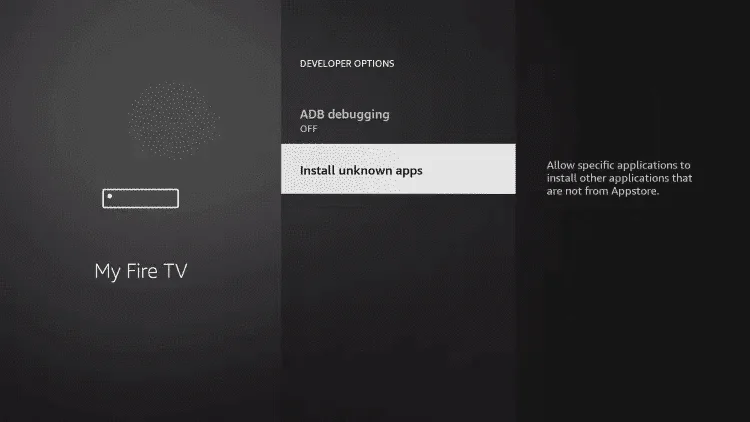
Fire TV developer options
2. Settings, My Fire TV, Developer options. If that menu is missing, click the device name seven times.
Unknown apps turned on for Downloader
3. Install unknown apps, then turn it on for Downloader only.
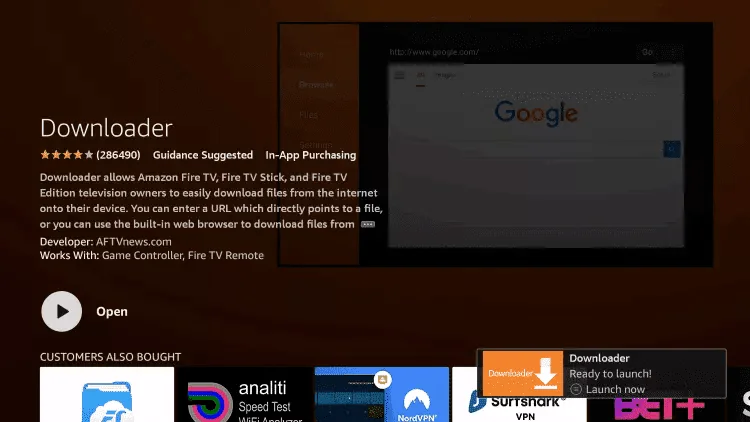
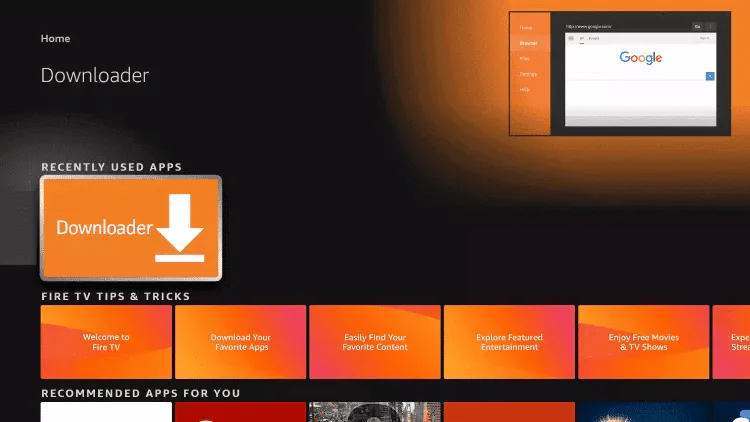
Downloader app ready to open
4. Open Downloader and allow the file permission.
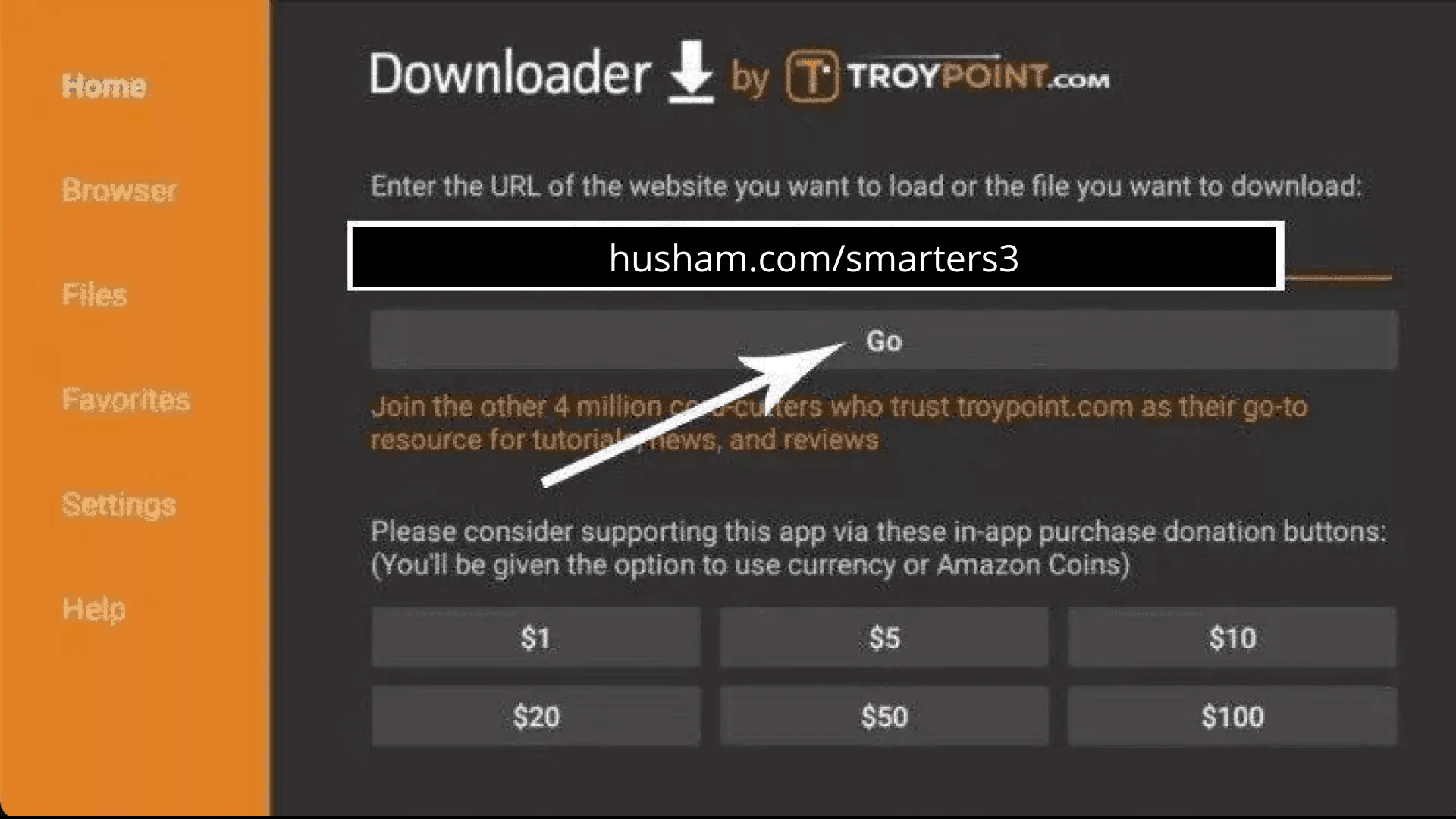
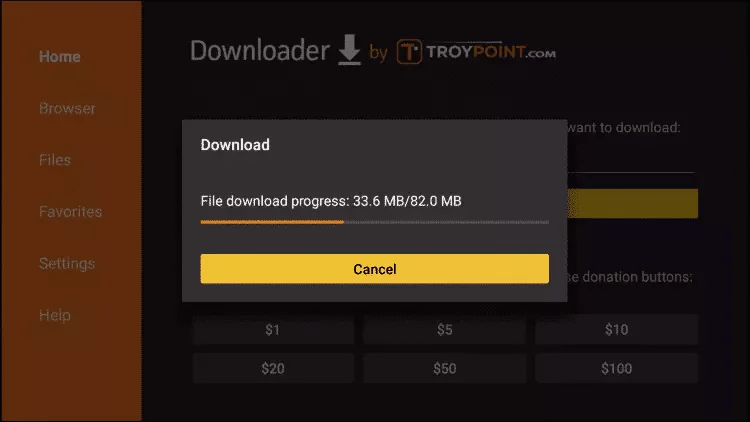
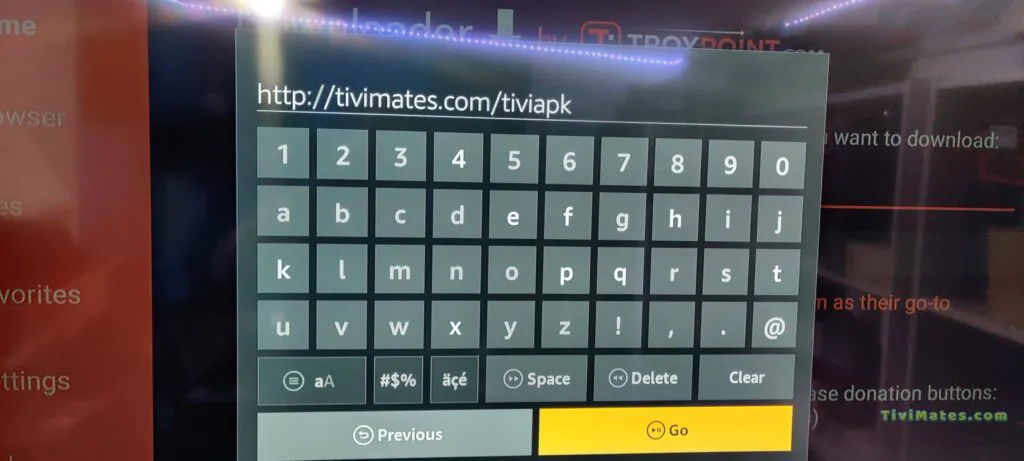
Downloader URL field
5. Type the publisher URL exactly, then Go. Smarters is iptvsmarters.com/smarters.apk. TiviMate uses the file from the TiviMate site.
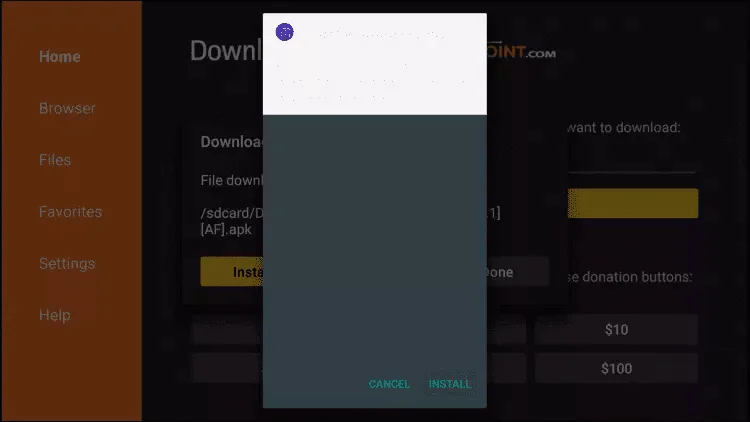
Fire TV install button
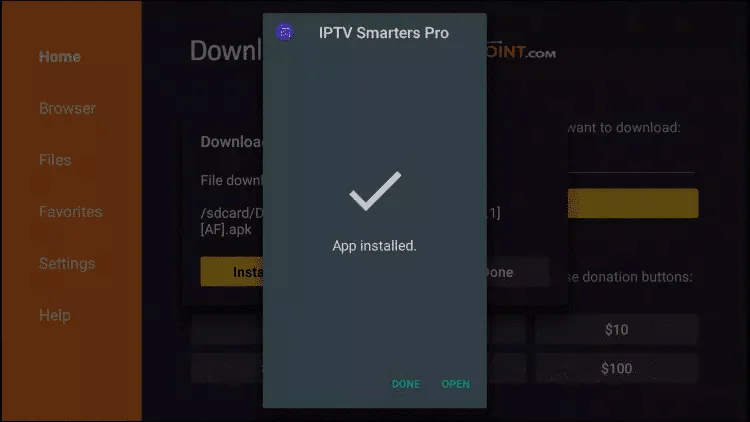
6. Wait for the file, then Install, then Done.
IPTV Smarters login choices
7. Open the app and choose Xtream Codes.
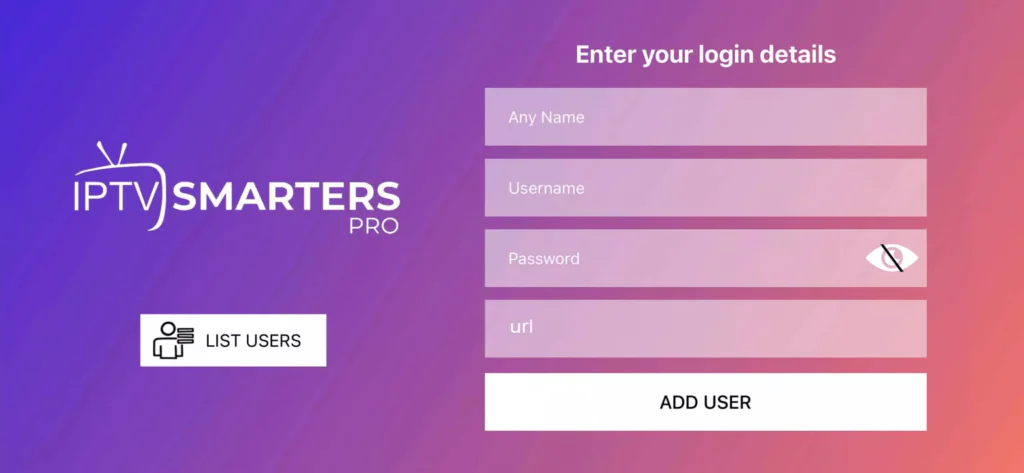
Username, password, and server URL fields
8. Paste the username, password, and server URL from WhatsApp. No extra spaces.
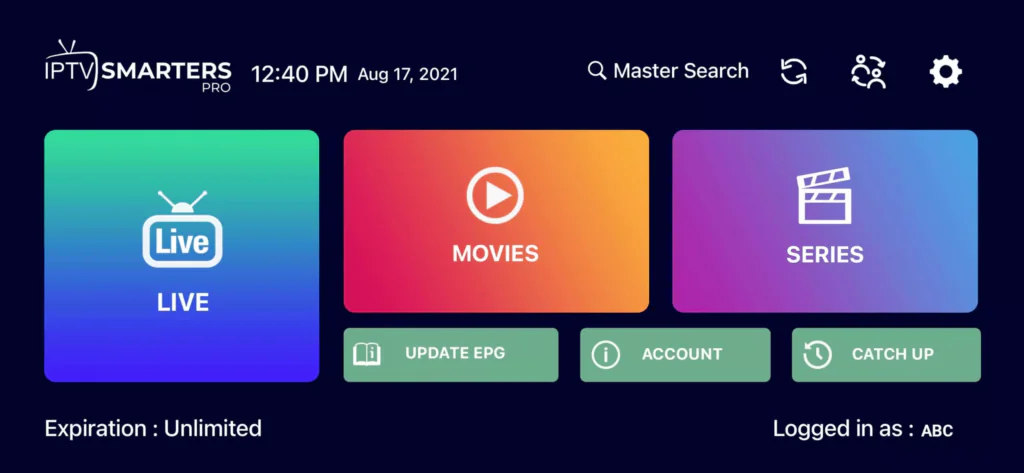
Player home with Live TV
9. Open Live TV, pick the country or sports group, then the channel. Use Install EPG inside the app.
TiviMate add playlist screen
TiviMate. Add playlist, Xtream Codes, then the same three fields.
Android
Smarters login screen on Android
1. Install IPTV Smarters or TiviMate from the Play Store, or the publisher APK if the store does not list it.
Xtream Codes user form
2. Add user with the username, password, and server URL. Wait until the list finishes loading.
Live TV groups
3. Open Live TV, choose the group, then the channel. On a phone, double-tap the preview for fullscreen.
Apple / iOS
Login fields on iPhone
1. Install Smarters Player Lite from the App Store. Search the name if a store link fails in your country.
Add user form
2. Paste the three fields exactly. A trailing space is the usual reason an iPhone says the account failed.
Live TV and EPG
3. Open Live TV, then Install EPG. On Apple TV, ask us for an M3U if the app only accepts a playlist link.
Smart TV
App screen showing a MAC address
1. Install IBO Player, IBO Player Pro, or SET IPTV from the TV store.
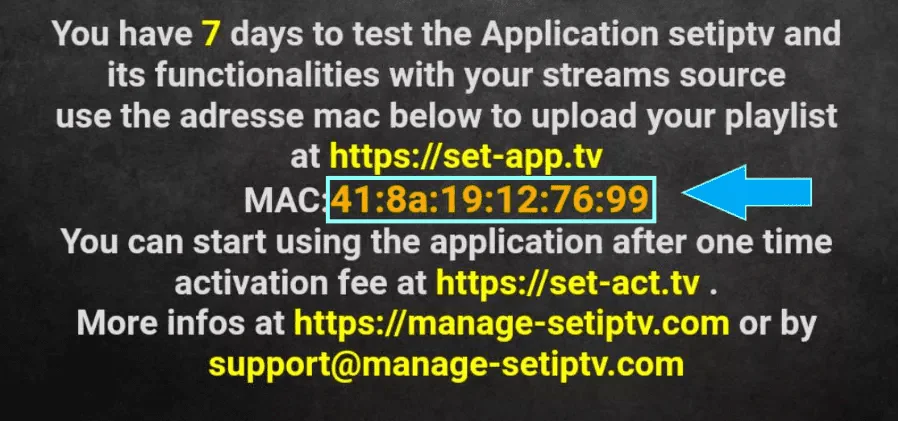
MAC address to send on WhatsApp
2. The app shows a MAC address. IBO also shows a device key. Send both on WhatsApp.
Channels after the line is attached
3. We attach the line to that MAC. Restart the TV and open the app. A new television needs a new MAC.
Google TV
Play Store search for Downloader
1. Install Downloader from the Play Store on the Chromecast.
Unknown sources allowed
2. Settings, Apps, Security. Allow Downloader to install apps.
Xtream login
3. Install Smarters or TiviMate and sign in. A phone only plays at the same time if the plan has two or more connections.
Windows / Mac
Desktop player login
1. Download the Windows or Mac build from iptvsmarters.com, install, then use Xtream Codes.
Desktop player after login
2. The same three fields. If you prefer VLC, ask for an M3U and use Media, Open Network Stream. VLC will not show the same guide.
MAG box
MAG system info MAC address
1. Settings, System info. Copy the MAC address and send it with the plan you paid for.
Portal URL field
2. We return a portal link. Settings, System settings, Servers, Portals. Set Portal 1 and restart. A blank loader usually means a mistyped MAC or no internet.

Get setup help

WhatsApp us